Sub Account
Manage each account in its own context
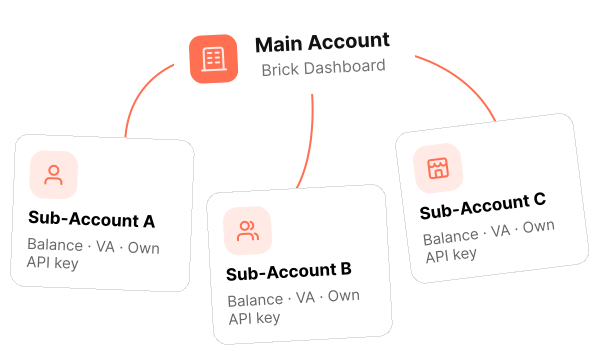
Create and manage dedicated Sub-Accounts for users or business units. Switch the active account in Brick Dashboard to view and operate within that account's context.
View Sub Account DetailBrick Dashboard
Switch between your main account and Sub-Accounts without leaving Brick Dashboard. Keep the selected account's balance, transaction history, and configurations in context as your team works.

















Dashboard workspace
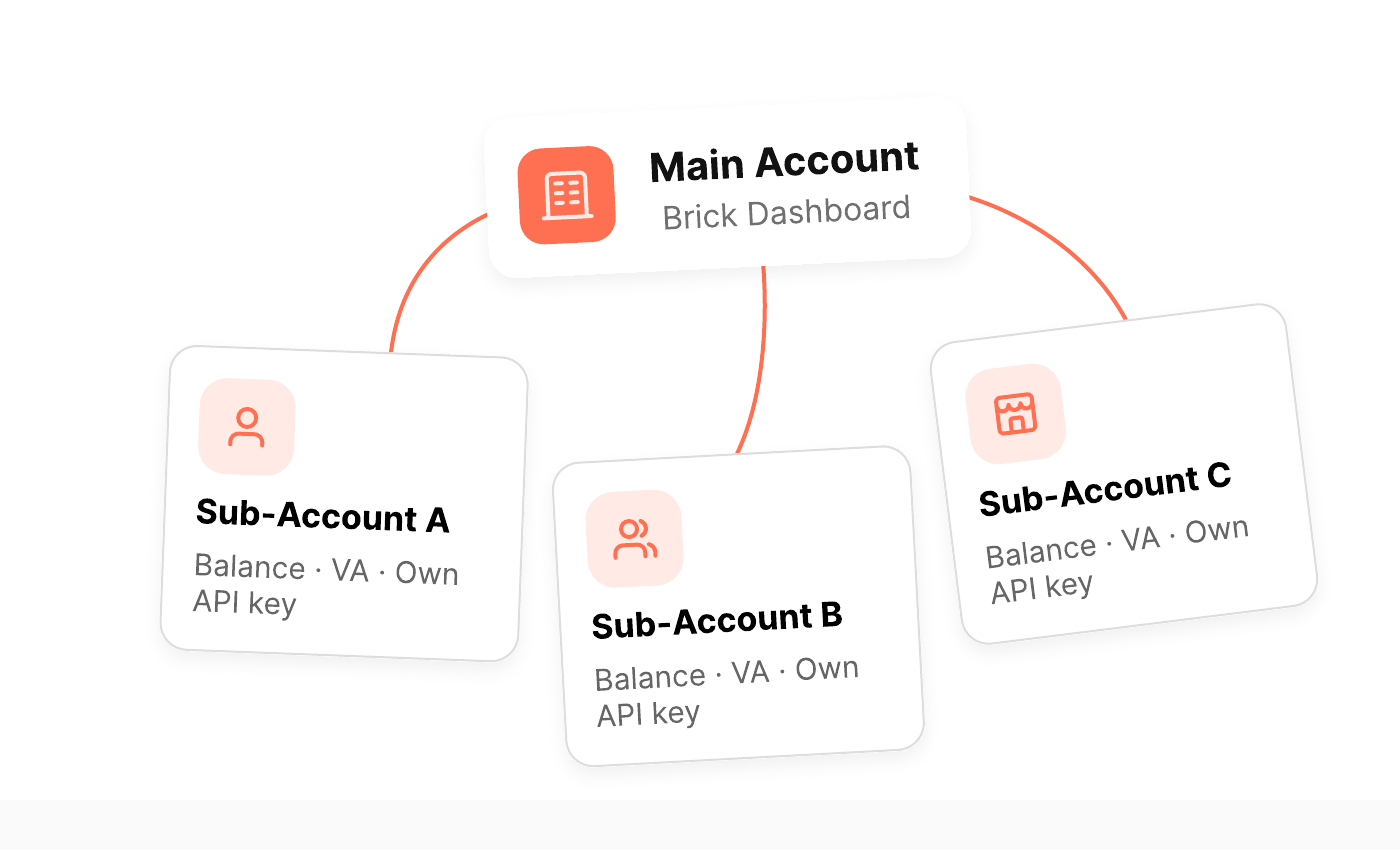
Create dedicated account contexts for customers, merchants, or business units, then work in the selected account from Brick Dashboard.
Create and manage dedicated Sub-Accounts for users or business units. Switch the active account in Brick Dashboard to view and operate within that account's context.
View Sub Account DetailHow It Works
Switch between the main account and any Sub-Account from the dashboard. The active account determines which balance, transaction history, and configurations you see.
Open the account switcher in the top-left corner.
View data and manage operations for the selected account only.
Move between accounts without leaving the Brick Dashboard.
Dashboard capabilities
Combine dashboard account switching with Sub-Account onboarding and access management.
Account switching
Use the account switcher to move between the main account and available Sub-Accounts.
Context-separated views
The active account determines which balance, transaction history, and configurations are shown.
API onboarding
Create dedicated Sub-Accounts through the API instead of repeating account setup one by one.
Credential lifecycle
Use Full-Access or Ledger-Only account types, and rotate credentials when needed.
Explore the Sub Account workflow, or submit your onboarding and account-management requirements.


