Brick payment implementation demo

Move money at scale. Stay in control.

Explore recurring and bulk payouts, receive money flows through one endpoint or Checkout Page, and the dashboard controls that keep transaction activity visible.

  • Public product walkthrough
  • No credentials required
  • No real transaction submitted
Brick

Implementation overview

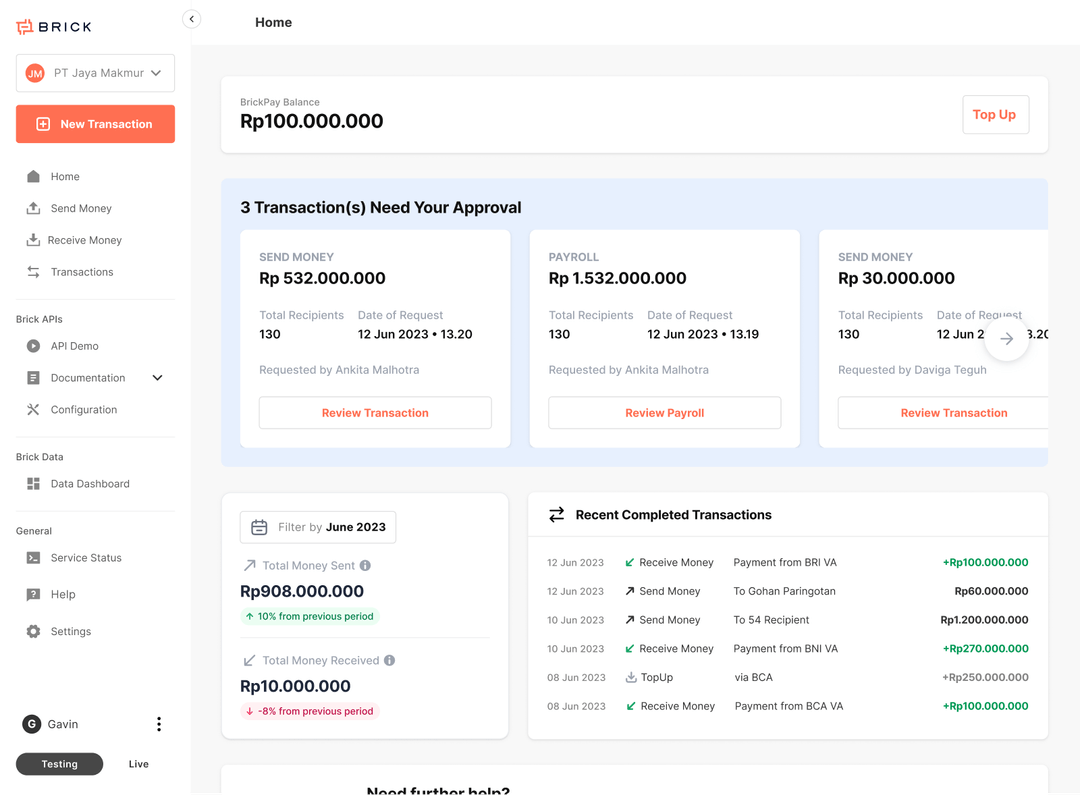
Example operating workspace

Demo data
IncomingRp24.8M12 completed
OutgoingRp8.2M8 completed
Reconciled20 / 20Example records

Recent workflow events

View all

VA payment

Completed · example event

Rp1,250,000

QRIS payment

Pending · example event

Rp325,000

BI-FAST payout

Completed · example event

Rp4,800,000

Callback received

status: completed
reference: INV-94013
environment: demo
DisbursementVirtual accountsQRISE-walletsCheckout PageSubaccounts

What you can build

Choose the payment flow your platform needs.

Start from a business outcome, then follow the relevant product and technical path. Availability remains subject to onboarding and account setup.

Send money

Move money to one or thousands of recipients

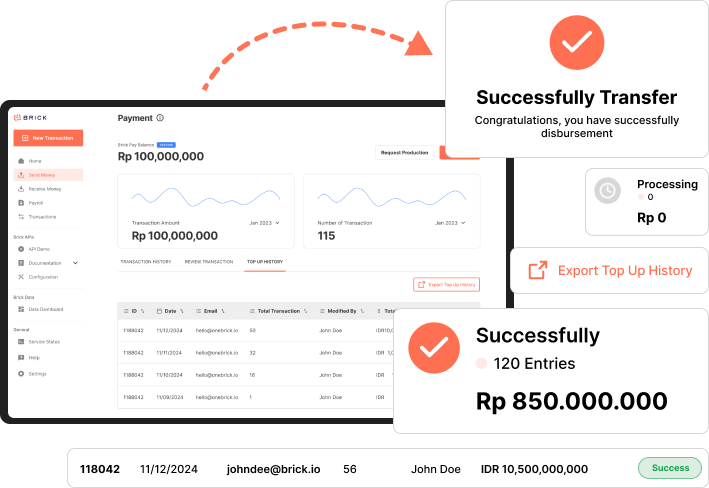
Build automated disbursement flows for payroll, marketplace payouts, withdrawals, refunds, and supplier payments, or let operations teams run controlled bulk workflows from the Dashboard.

  • API-triggered and Dashboard-managed disbursement
  • BI-FAST and supported bank or e-wallet destinations
  • Reference-based status tracking and callback handling
Explore Send money →
Send money implementation preview

Receive money

Use one endpoint or a hosted Checkout Page

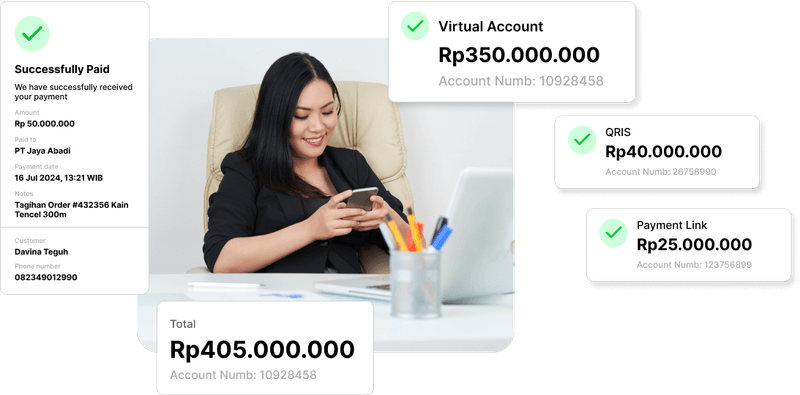
Accept QRIS, virtual account, and e-wallet payments through one endpoint—or use the hosted Checkout Page while keeping transaction references connected to your platform.

  • QRIS, virtual account, and e-wallet payment flows
  • API-driven or hosted Checkout Page experience
  • Transaction status and reconciliation context
Explore Receive money →
Receive money implementation preview

Operate & reconcile

Give finance and operations one connected view

Track references, statuses, balances, callbacks, and reports without forcing every operational task through an engineering backlog.

  • Dashboard visibility for activated products
  • Reference and transaction-level investigation
  • Subaccounts for separate operating or ledger contexts
Explore Operate & reconcile →
Operate & reconcile implementation preview

How Brick fits

From idea to a working payment flow.

  1. 01

    Choose your implementation

    Define the collection, payout, reconciliation, or subaccount outcome your product needs.

  2. 02

    Integrate through API or Dashboard

    Embed the flow in your system or use an approved operational workflow without direct integration.

  3. 03

    Operate from one workspace

    Track references, statuses, callbacks, balances, and reports across activated products.

Why Brick

Build payment flows that teams can operate.

Brick combines APIs, Dashboard controls, transaction visibility, and developer tooling so product, finance, engineering, and support teams can work from connected operational context.

  • One integration path across multiple payment implementations
  • Operational visibility for product, finance, and support teams
  • Environment separation and production-ready integration workflows
99.9%+Payment success rate
70%+Potential savings on transaction fees
30M+Annualized transaction run rate
475M+Annualized API request run rate
Example implementation healthDemo only
Send Money flowValidated in sandbox
Receive Money flowCallback mapped
ReconciliationReference matched

Developer experience

Integrate once. Keep your product in control.

Use Brick APIs for embedded experiences, configure callbacks and security controls, or give compatible AI coding tools structured Brick context through MCP.

REST APIs

Documented request, response, and status patterns.

Callbacks

Asynchronous event and final-status handling.

Brick MCP

Structured product and API context for coding tools.

Dashboard

Operational workflows for activated products.

Create a QRIS payment · example
POST /payments/qris
Authorization: Bearer $BRICK_API_KEY

{
  "amount": 1250000,
  "currency": "IDR",
  "reference_id": "INV-94013",
  "callback_url": "https://merchant.id/webhooks/brick"
}

// Confirm final outcome through callback or status API.

Ready to implement with Brick?

Start building the payment flow your platform needs.

Review the product pages, explore the documentation, or speak with the Brick team about eligibility and account setup.