Receive Money
One endpoint for the payment methods customers use
Receive money through QRIS, virtual accounts, and e-wallets from one endpoint—or use Brick's hosted Checkout Page. Keep payment references and status visible in the dashboard for reconciliation.

















Ways to accept payments
Choose an API flow or hosted checkout
Use the payment channel and customer experience that fit your product and operational workflow.

Match incoming payments to a customer or invoice
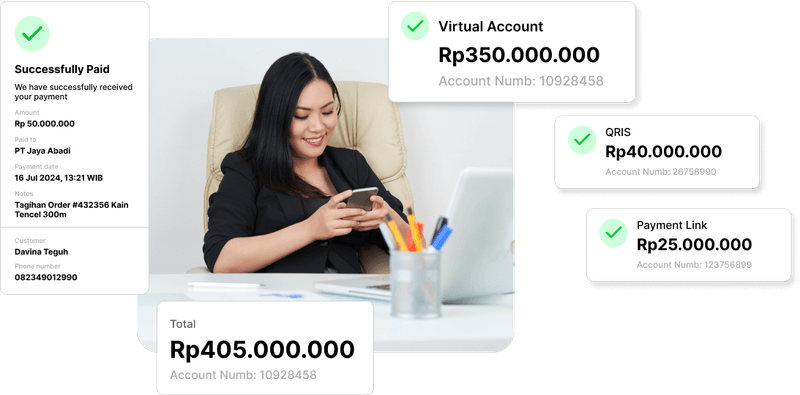
Create virtual accounts linked to customer data, invoices, or projects, then use their payment references during reconciliation.
View Product Detail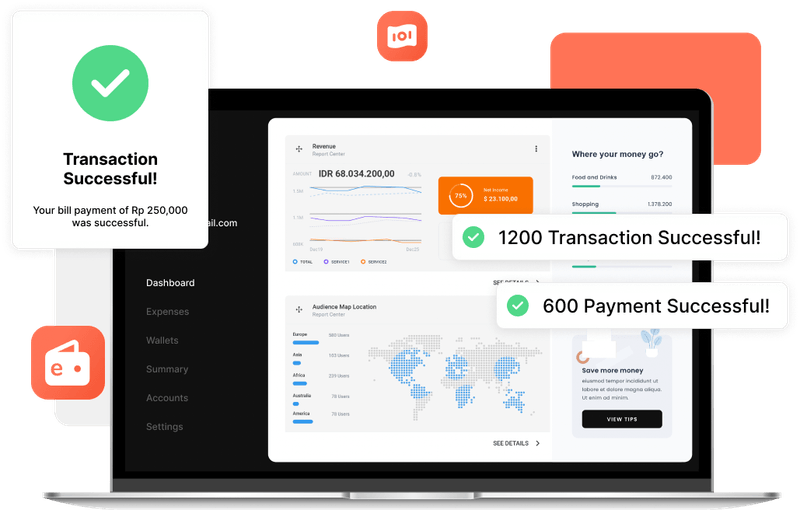
Add supported e-wallets to the same payment flow
Accept supported Indonesian e-wallet payments and keep their references and status available for reconciliation.
View Product Detail
Choose dynamic or reusable QRIS payments
Use dynamic QRIS with a predefined amount for integrated transactions, or a reusable static code for customer-entered amounts.
View Product Detail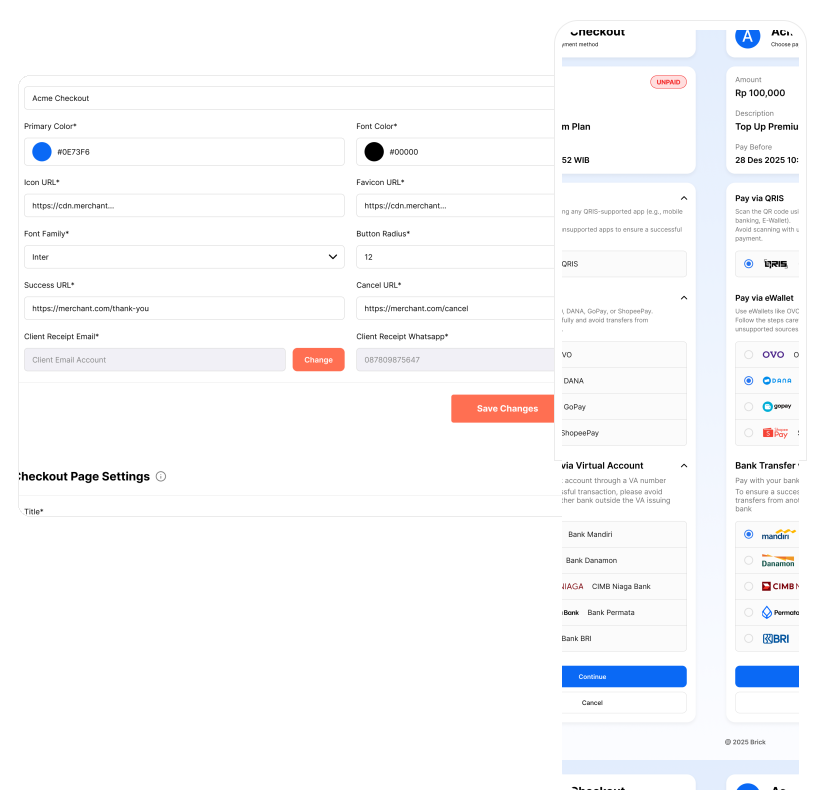
Use a hosted checkout instead of building payment UI
Create a checkout session through the API and let Brick host the payment interface for QRIS, virtual account, and e-wallet payments.
View Product Detail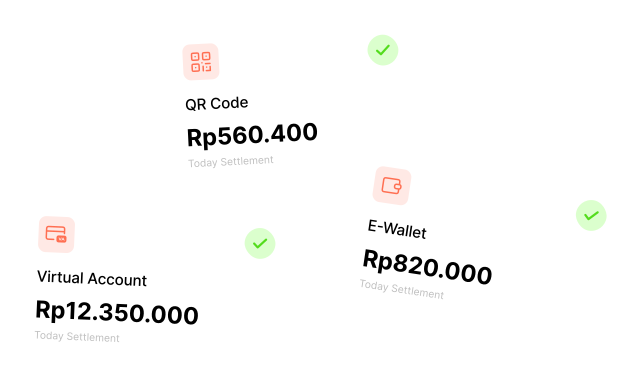
Access eligible payment proceeds sooner
Receive eligible QRIS, virtual account, and e-wallet payment proceeds on the same business day, subject to the applicable setup and schedule.
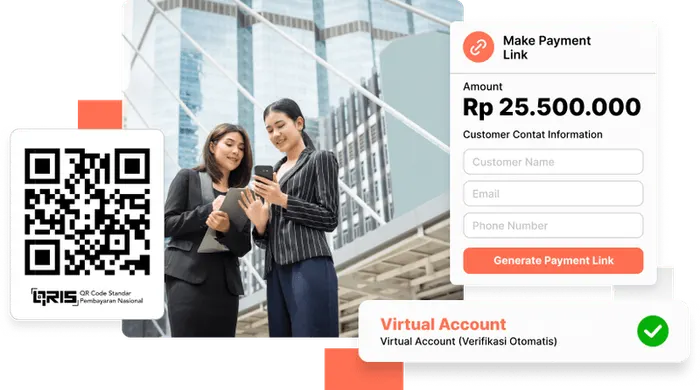
View Product DetailChoose the channels your customers already use
Use one endpoint for QRIS, virtual accounts, and e-wallets—or use the hosted Checkout Page.
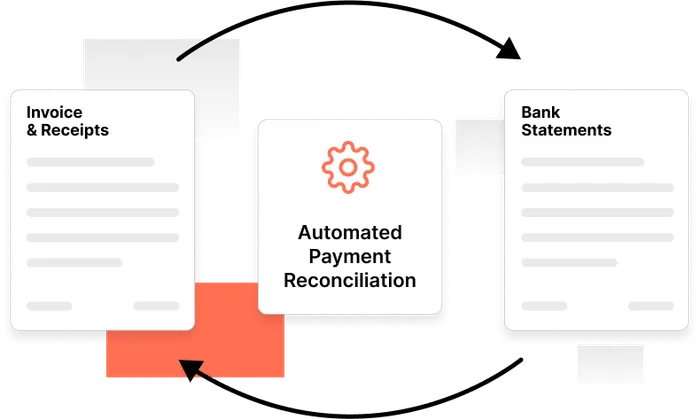
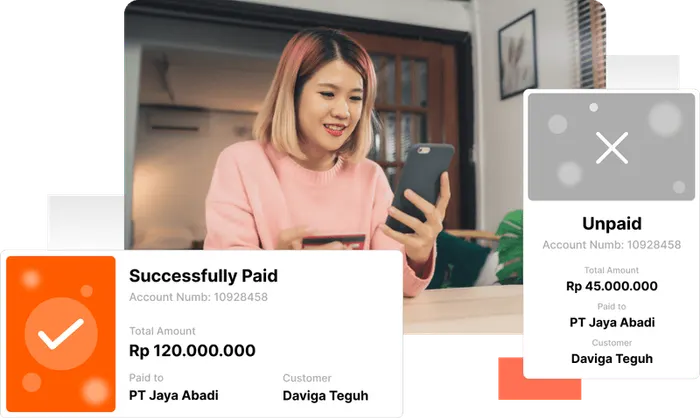
Keep payment status and references together
Use payment notifications and dashboard records to match incoming funds with the right customer or invoice.
Pay Based on Usage
Pay per successful transaction instead of committing to a fixed transaction volume.
Payment Acceptance API
One integration for the ways you accept payments
Use the API to create QRIS, virtual account, and e-wallet payment flows from one endpoint, then keep the returned references and status connected to your operational workflow.
Not ready for full integration?
Use the Checkout Page to accept payments without building checkout UI.
{
  "status": 200,
  "data": {
    "message": "We have successfully retrieved the open VA",
    "id": "OP_123451123123",
    "referenceId": "brick12345",
    "bankShortCode": "BCA",
    "accountNo": "1304321312312310",
    "displayName": "BRICK"
  },
  "metaData": {
    "source": "API",
    "entity": "Payment"
  },
  "error": null
}Add the payment methods that fit your customer journey
Create an account to explore the dashboard, or submit your payment-flow and integration requirements.