Payment received
Open Amount
The payer enters the amount when making a payment.
BRICK VIRTUAL ACCOUNT API
Create a virtual account for each customer, invoice, or project, then use its payment reference to support reconciliation.

Companies using Brick

















Our Solution
Create a virtual account with the customer and payment details your team needs for reconciliation, including:
PAYMENT AMOUNT OPTIONS
Choose who sets the payment amount.
The payer enters the amount when making a payment.
Your business sets the amount before the customer pays.

Collect payments for orders, invoices, and other needs from your business users or consumers.

Accumulate funds in the form of official currency to be placed on investment and trading platforms, so they can be used for purchasing investment assets.
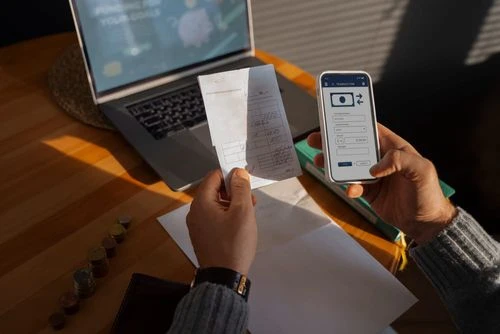
Collect payment bills from loans made by your customers.
Create multiple virtual accounts according to your business needs. Payments are directly verified and enter the virtual account you have created in real-time.






After you receive the user access token, the Brick API will allow you to create the virtual bank account needed for the business payment method to your users or consumers.
{
  "status": 200,
  "message": "OK",
  "data": {
    "id": "OP_d8ed71ed64d64b2fa220ab5d86f2fe35",
    "type": "virtual_bank_account",
    "attributes": {
      "referenceId": "test_VA1",
      "instructions": {
        "bankShortCode": "BRI",
        "accountNo": "130432138889902",
        "displayName": "IKN-Open VA 1"
      }
    }
  }
}
Benefit
Create virtual accounts from supported banks without opening a separate operating account for each customer payment flow.
Offer a familiar bank-transfer flow through supported virtual account providers.
Use the documented API to create accounts and connect payment status to your application.
Integration resources
Review the API reference and integration documentation, then use the registration guide to prepare for account onboarding.
READY TO COLLECT
Create an account to explore the dashboard or talk to sales about your collection and reconciliation needs.